
Read the Logbook
For: Pilots · Hangar admins · Mechanics
pilotadminmechanicThe Logbook lists everything that happened to one aircraft: flights, ground runs, fuel purchases and maintenance. Open it from Logbook in the sidebar, or from the tab bar on a phone. It shows the aircraft you have selected.
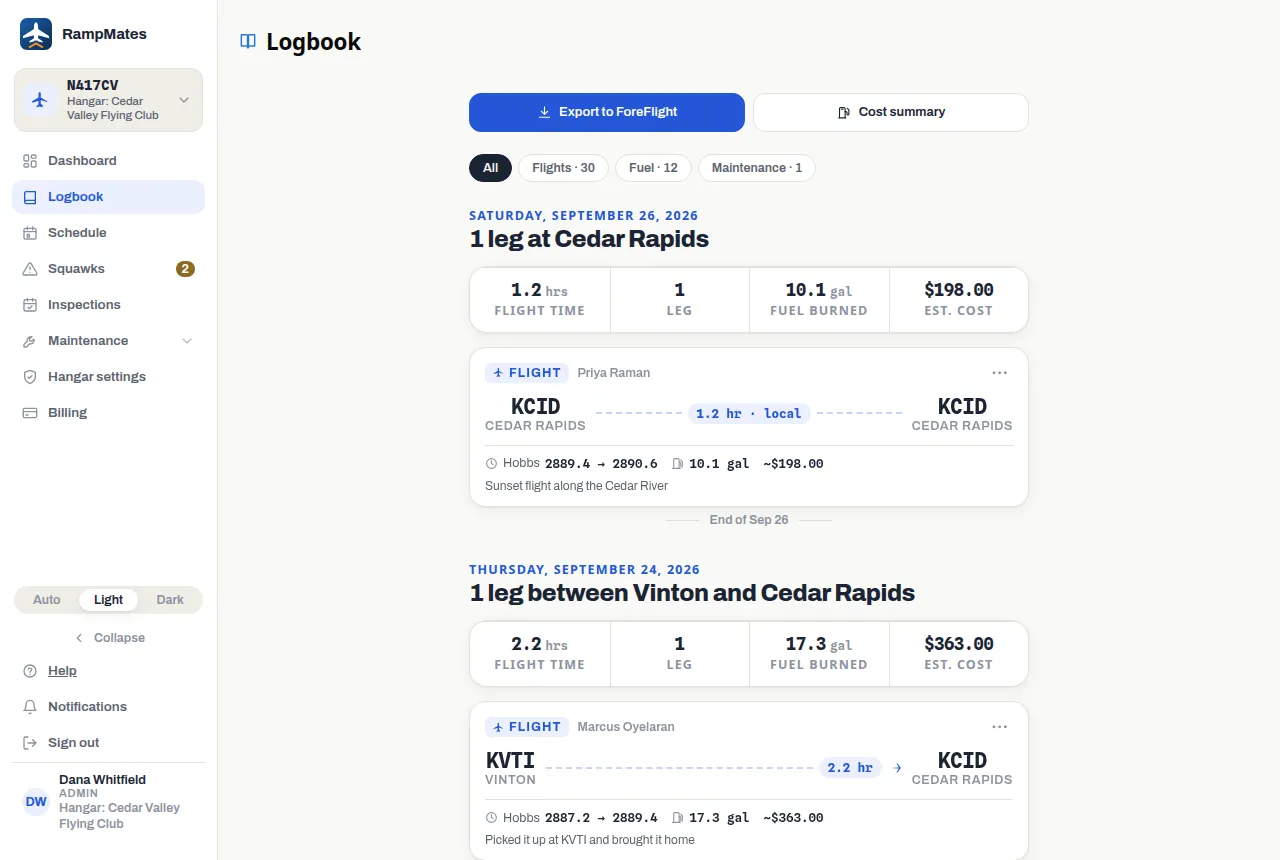
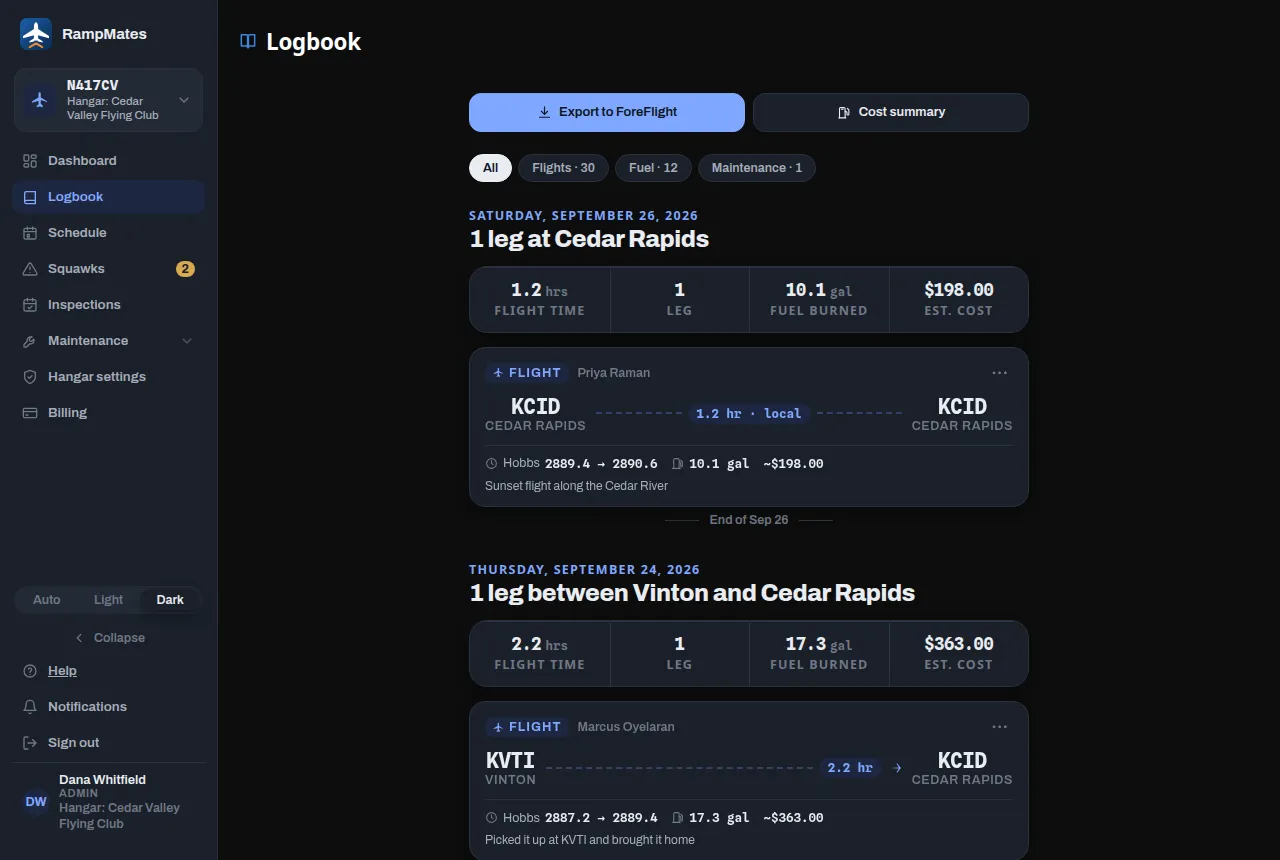
One day at a time
Section titled “One day at a time”The newest day comes first. Each day opens with a map of its legs and four totals: Flight time, Legs, Fuel burned and Est. cost. Under that are the day’s entries, newest at the top.
Use the chips at the top to show only Flights, Fuel or Maintenance. All shows everything. The day totals still count the whole day.
A flight card
Section titled “A flight card”- Flight or Ground (an engine run or other time that moved the hobbs with no flight), and the pilot’s name.
- The route and how long it took. A flight that came back to the same field says local.
- Hobbs from start to end, the fuel used, and the cost. See what a flight costs.
- Hangar pays when the flight is billed to the hangar instead of the pilot.
- Tags: Squawk if one was reported with the flight. Actual track if the map shows where the aircraft really flew. Finding track… while RampMates is still looking for it.
RampMates looks up the real track for flights started with Start flight, and for flights logged with takeoff and landing times. Other flights show a straight line between the airports.
The ⋯ menu
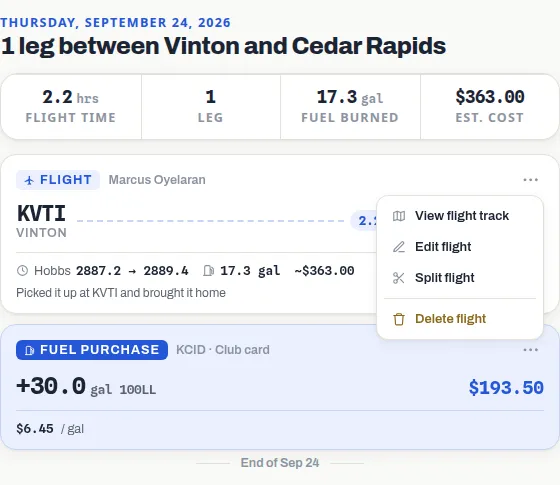
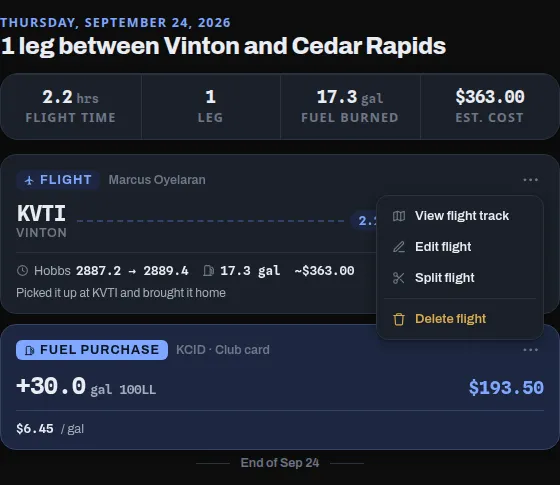
Section titled “The ⋯ menu”Each flight card has a ⋯ menu:
- View flight track opens the map on its own. It isn’t there for a ground entry.
- Edit flight, Split flight and Delete flight show on your own flights. Admins see them on every flight. See fix a mistake and split a flight.
- Edit fuel price is for admins. It isn’t offered on an aircraft priced at a wet rate, where fuel is included.
Other entries
Section titled “Other entries”- Fuel purchase shows the gallons added, what they cost, and how many receipt photos are attached. Its ⋯ menu has Edit fuel purchase. See fuel and receipts.
- Maintenance entries come from Log maintenance.
- Unlogged flight — … to … hobbs marks hours the meter moved that nobody has logged. It shows only under All. Press it to fill it in.
Total up flights: Cost summary
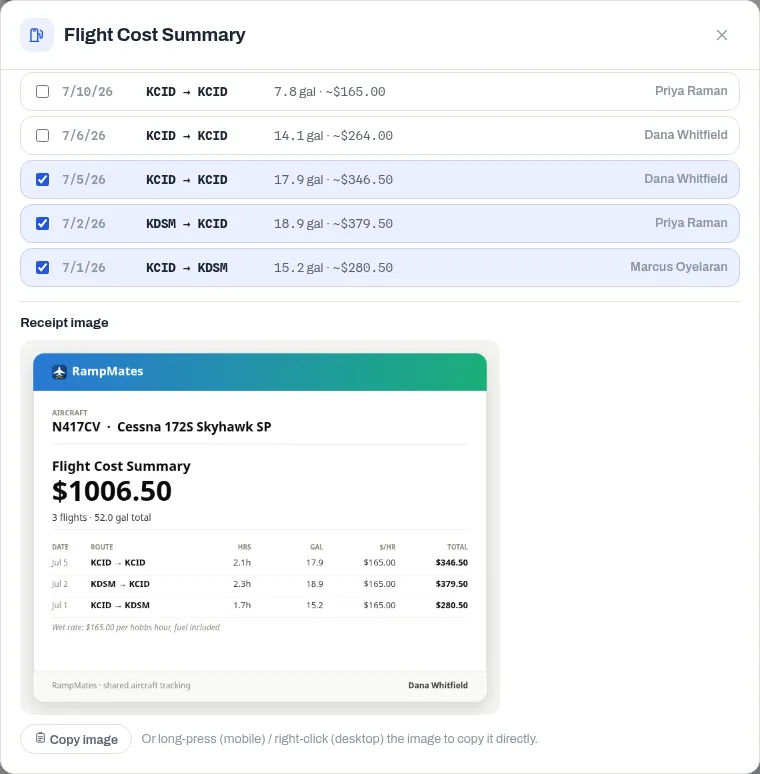
Section titled “Total up flights: Cost summary”Press Cost summary to add up what a set of flights cost. You might want this to settle up with a partner, or to be paid back for fuel.
- Pick flights with Today, Yesterday, This Week or This Month, or tick them one by one. Only my flights narrows those chips to flights you flew.
- The total and the gallons update as you choose. Flights with no known cost are left out of the total and counted as excluded — cost unknown.
- Under Receipt image, RampMates draws a receipt you can paste into a message. It appears a few seconds after you stop choosing. Press Copy image, or long-press or right-click the image to copy it.
The receipt lists each flight, and it names any part of the total that the hangar pays.
Export to ForeFlight
Section titled “Export to ForeFlight”Press Export to ForeFlight, pick flights the same way, and press Export. RampMates downloads a CSV file for ForeFlight’s logbook import. Ground-only entries are left out, since they don’t belong in a pilot’s logbook.